


Wireless Printing with Princh
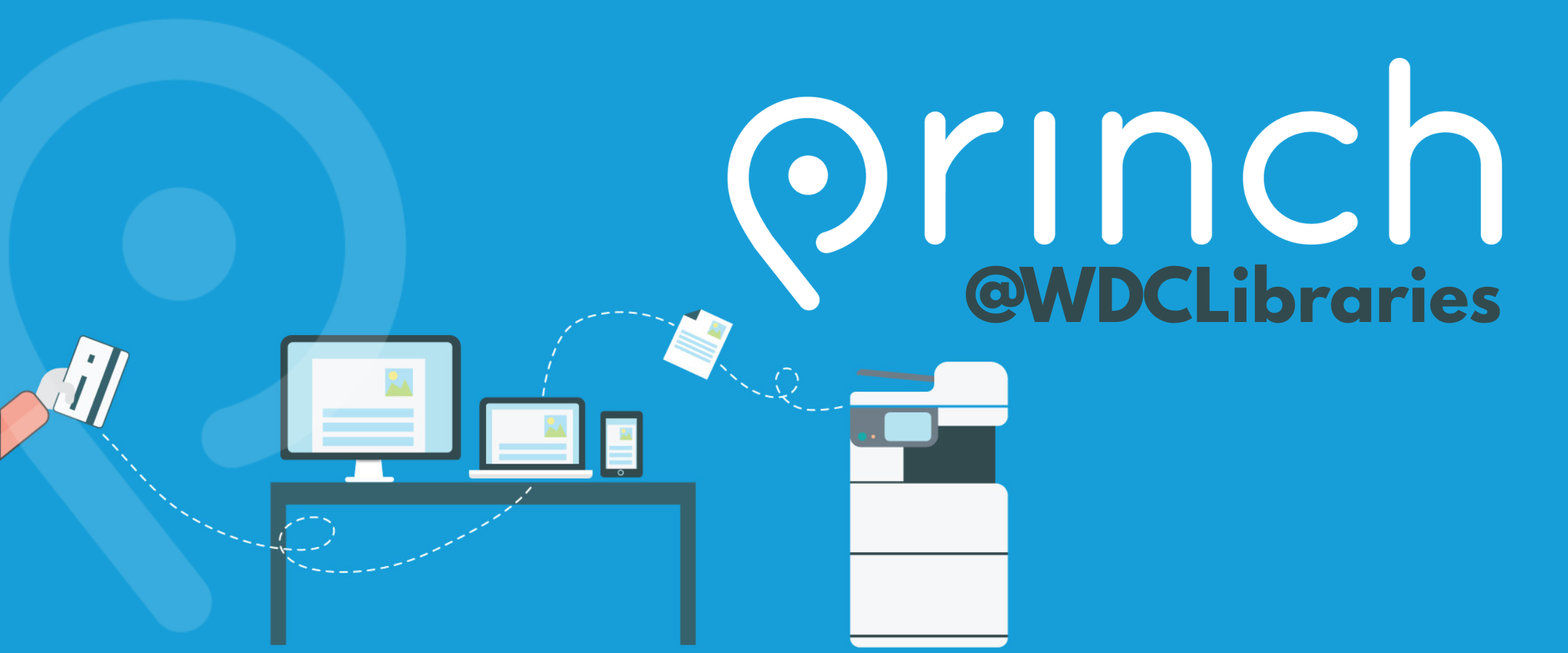
Print wirelessly from your own device
West Dunbartonshire Libraries have implemented PRINCH, a new wireless printing solution. With PRINCH it is now possible to easily and securely print from a mobile phone, tablet, or laptop, both remotely and at the library.
How to use the service
- When printing at the library:
Locate the print guide poster near the printer and scan the QR code. - When printing remotely or laptop:
Open your browser, go to print.princh.com and enter the 6-digit printer ID to select the printer you want to print to, alternatively use the linked ID list below. - Upload the document(s) you want to print.
- Use Settings to select options like colour or black and white, paper size or double sided prints etc.
- Select your preferred payment method to pay for your print(s).
You can choose to pay by:- Bank card,
- Apple or Google Pay
- Cash payment in the library you are sending the print too.
- You will also be given a unique PIN you must retain in order to release your print(s) when you arrive at the library.
Your document(s) will be release by the is being printed, and it is ready to be picked up!
Princh Printers and ID Numbers
| Printer Location | Printer ID |
|---|---|
| Alexandria Library | 112404 |
| Balloch Library | 112407 |
| Clydebank Library | 112406 |
| Dalmuir Library | 112408 |
| Dumbarton Library | 112409 |
| Duntocher Library | 112410 |
| Faifley Library | 112411 |
| Parkhall Library | 112412 |
Library opening hours and contact details
Library opening hours contact details of your local library.
Library Printing cost and availability
Printing costs and printing formats available.